

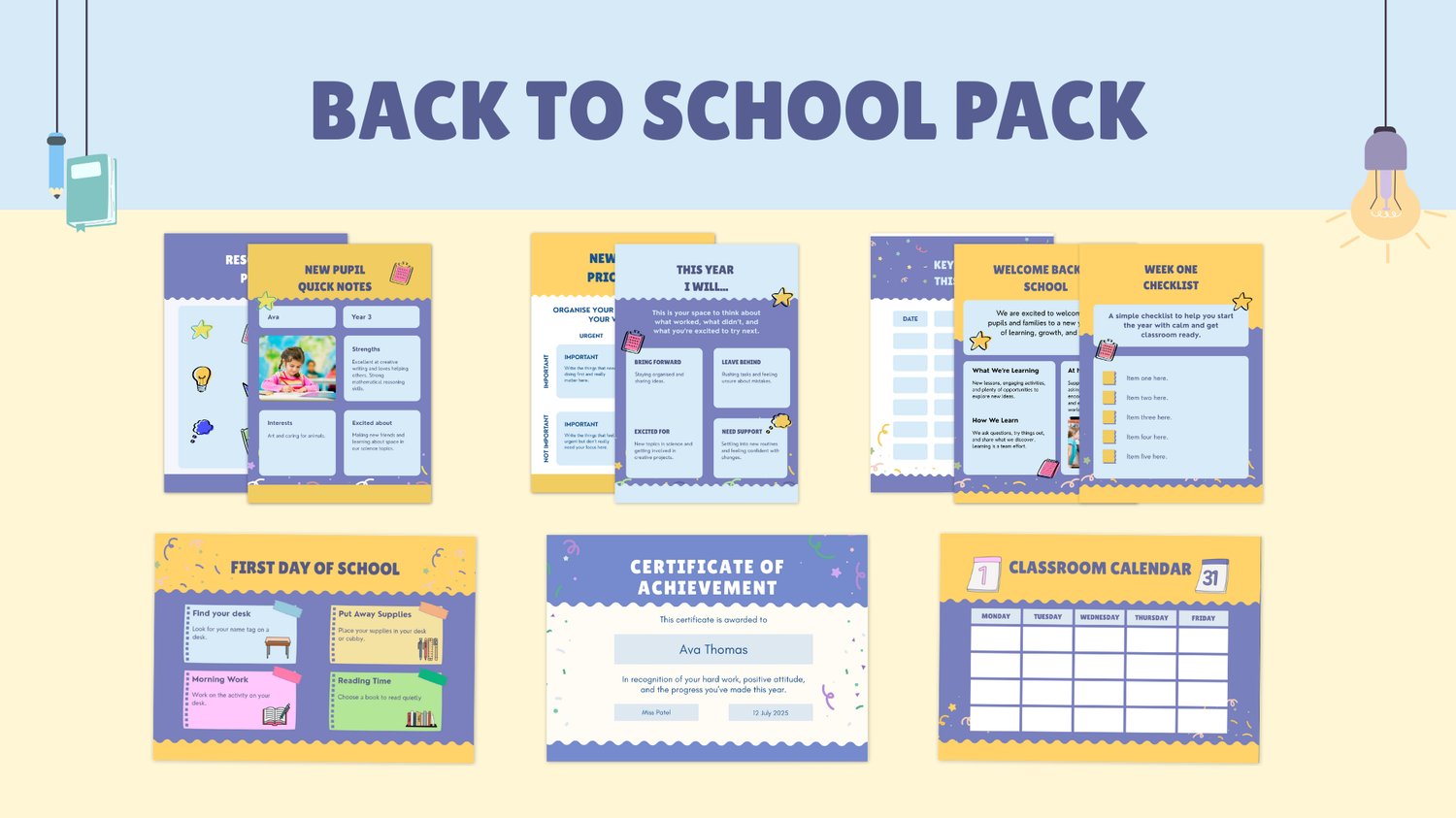
The start of a new school year always feels busy – new pupils, new routines, and endless admin competing for your attention. This free back‑to‑school template collection is designed to help you get yourself and your learners organised from day one, so you can focus on teaching instead of firefighting.
All 10 templates are editable in Canva and free to download through my Advisory Science Payhip store. You can customise colours, fonts and wording to match your classroom or homeschool, then reuse them again each term.
How this free collection works
- 10 ready‑made Canva templates for classroom and homeschool organisation.
- Mix of posters, checklists and worksheets that keep information visible and easy to update.
- Instant access via Payhip, with one download linking you to all 10 templates inside Canva.
Use as many or as few as you like – the aim is to give you a simple system you can set up in an afternoon and rely on all year.
1. Welcome your learners with clarity
Problem: The first day feels chaotic and students are unsure what to expect.
Solution: Use the Welcome Back to School Poster to greet learners at the door and clearly show your class name, teacher name, and a friendly welcome message.
How to use it:
- Add your name, class and a short welcoming sentence.
- Print and display on your classroom door or share digitally for online learning.
2. Keep everyone on the same page with key dates
Problem: Parents and learners keep missing deadlines, so you’re constantly resending reminders.
Solution: The Key Dates / Classroom Calendar Poster gives you one visual “command centre” for important dates, assessments, trips and events.
How to use it:
- Fill in the key dates for the term or half‑term.
- Display in a visible spot or include a snapshot in emails/newsletters.
👉 Download the Key Dates Poster inside the free Back‑to‑School collection:
3. Make your weekly routine visible
Problem: Timetables change, and students (and adults) forget what’s happening when.
Solution: The Class Schedule Template helps you map out your weekly timetable so everyone can quickly see lessons, interventions and key routines.
How to use it:
- Add subjects, times and recurring routines (reading, assemblies, interventions).
- Print for the wall and save a digital copy for quick edits.
4. Capture new pupil information in one place
Problem: New pupils arrive mid‑term and vital information gets lost in notebooks or emails.
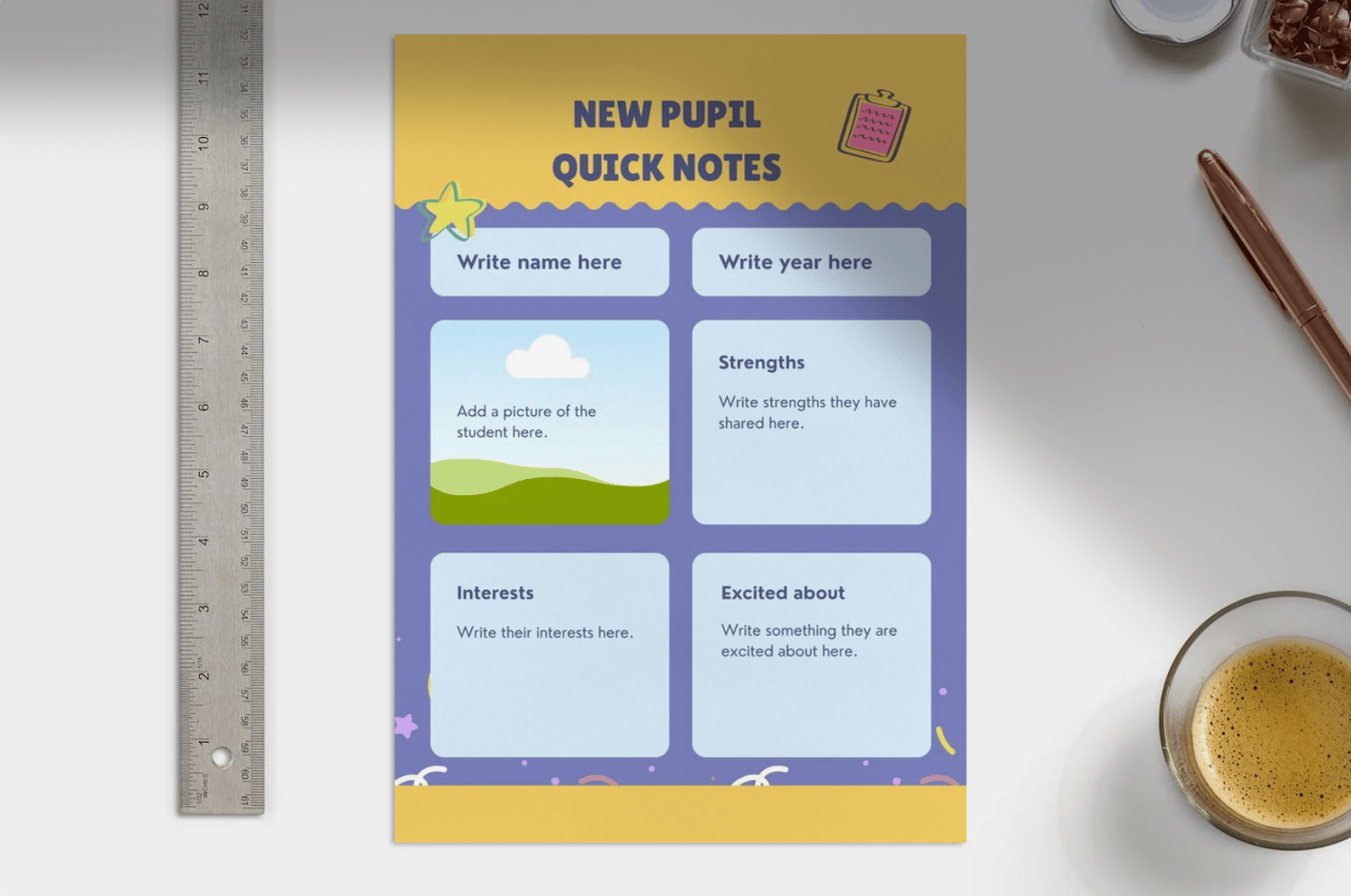
Solution: The New Pupil Quick Notes Worksheet lets you record SEN information, contacts, medical notes and seating ideas on a single page.
How to use it:
- Complete one sheet per new learner as soon as they join your class.
- Keep copies in a folder or digital file you can update as needed.
5. Reward routines and effort quickly
Problem: You want to celebrate effort and routines, but never have time to design certificates.
Solution: The Certificate of Achievement template lets you recognise students for organisation, independence and positive behaviour in minutes.
How to use it:
- Duplicate the page for different awards (e.g. “Organisation Star”, “Homework Hero”).
- Print or share digitally with learners and families.
6. Make classroom values visible
Problem: Expectations live in your head or in a policy document, not on the walls your learners see every day.
Solution: The Classroom Values Poster makes your rules and routines clear, positive and student‑friendly.
How to use it:
- Choose 3–5 core values or rules and phrase them positively.
- Display near the board and refer to them during lessons.
7. Stay on top of non‑negotiable deadlines
Problem: Meetings, reports and data drops creep up and add to your stress.
Solution: Use the Teacher Key Dates / Deadlines Poster just for your own professional tasks – think of it as your wall‑mounted planner.
How to use it:
- Add deadlines for reports, data submissions, meetings and trainings.
- Keep it by your desk so you can see the month at a glance.
8. Turn your weekly to‑do list into a checklist
Problem: Weekly tasks live on sticky notes and never‑ending lists that are easy to misplace.
Solution: The Weekly Checklist Worksheet helps you list and tick off recurring tasks so you start each week with a clear plan.
How to use it:
- Add recurring tasks (photocopying, planning, marking, resets).
- Reuse the same checklist each week or adapt it for different classes.
9. Prioritise what really matters
Problem: Everything feels urgent, and you end up working late on low‑impact tasks.
Solution: The New Term Priorities Worksheet (Eisenhower matrix style) helps you sort tasks into urgent/important so you know what to do now, schedule, delegate or drop.
How to use it:
- Brain‑dump your tasks, then place each one into the relevant quadrant.
- Use it at the start of term or whenever workload spikes.
👉 Get the New Term Priorities Worksheet in the Back‑to‑School collection.
10. Reflect before the next school year
Problem: You finish the year exhausted and repeat the same patterns the following September.
Solution: The Teacher Yearly Reflection Worksheet prompts you to record what worked, what didn’t, and the changes you want to make next time.
How to use it:
- Complete it at the end of term or year whilst everything is still fresh.
- Keep it with your planning so you see it before you set up again.
Ready to get organised?
You don’t need a whole new personality to feel organised this year – you just need a simple, visible system that you can actually stick to. These 10 free Canva templates are designed to give you that system from day one.
Click here to grab all 10 back‑to‑school organisation templates in one free download via my Payhip store. Once you’ve accessed them, you can duplicate the designs into your Canva account and start customising them for your learners today.
Comments ()